
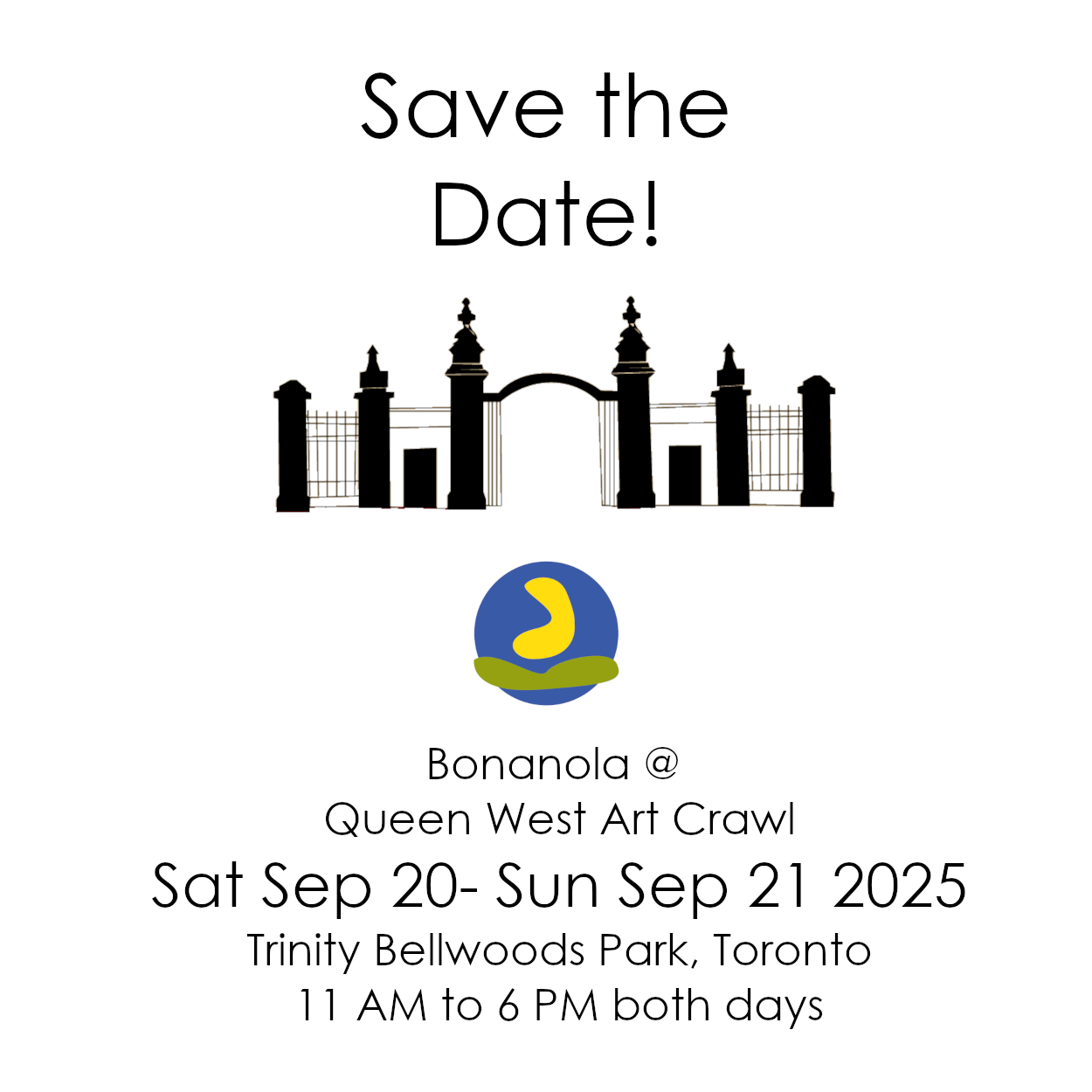

I realized this morning that I had not sent a “Save the date” around yet, and so I decided to open up GIMP and get to it finally.
For those who don’t know, GIMP is a free open source software that edits illustrations, like Photoshop.
The Queen West Art Crawl sends out their social media campaign package to artists pretty late so I had to make my own (little did I realize until after I posted that they actually did already have something on Instagram as a post for this year). I’ve heard the rule for marketing is 2 months before the event.
Anyway, queue me mucking around in GIMP – one of the many random other jobs with being an artist is doing the self promotion work.
Given I’ve done this before, I know how unintuitive GIMP is. I turned on some calming spa music to help me deal with the inherent “Why can’t I do this when this was so easy in Photoshop” hair pulling that ensued.
I have finally figured out how to move items in layers and align them. Thank God for Youtube videos.
As I’m going to forget this in a week:
- the Move button (M) has a “Move the active layer” toggle, that was not the default option and it needs to be selected. No such thing in Photoshop.
2. For alignment (Q), you have to also click on the area for that part in the layer you are in, in order for the alignment tool to function. This was not the case in Photoshop.
I’ve also noticed that Google AI instructions are inaccurate or incomplete, but the links to Youtube for proper instructors actually worked.
Well, can’t complain with free software I guess. The feature image is what I ended up making.